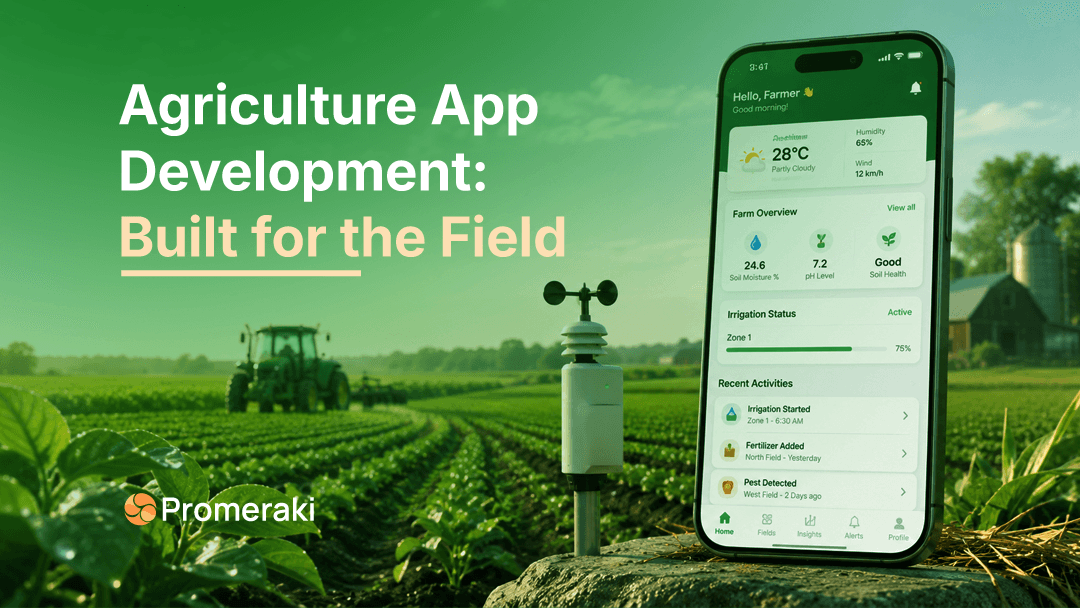
A farmer standing in a muddy field at 6 a.m. doesn't have time to dig through five menus. They've got gloves on, a weak signal, and the sun is glaring off the screen.
Yet most farm apps are built as if the user is at a desk, with fast Wi-Fi and a free afternoon. That gap is why so many good ideas never get used.
Here's the proof. In one study of German farmers, 95% owned a smartphone, but only 71% used the crop-protection app built for them. The tools exist. Farmers just find them hard to use in real conditions.
This guide breaks down how to approach agriculture app development the right way to build the field first. Whether you're planning your first product or fixing one that isn't sticking, these are the choices that decide whether farmers open your app twice.
Why most farm apps fail the field test
Most farm apps are designed in comfortable offices. The team tests on new phones, with strong internet and clean hands. Real farms don't work like that.
Here's why farm apps get abandoned:
- They need constant internet. Fields often have weak or no signal.
- Too many taps. A farmer wants to log a task in seconds, not steps.
- Tiny buttons. Hard to hit with gloves or dusty fingers.
- English only. Many farmers are more comfortable in their local language.
- Data overload. Charts look great in a demo but don't help at 6 a.m.
The lesson is simple. A farm app doesn't compete with other apps. It competes with a notebook, a neighbor's advice, and years of habit. To win, it has to be faster and easier than all three.
What farmers really need in the field
Good farm app design starts with the environment, not the feature list. Here's what "the field" really asks for.
Works offline first
Signal drops between fields. The app must let farmers record data offline and sync later, on its own. Offline-first isn't a bonus feature. It's the base your whole app stands on.
The best scouting apps already do this. A farmer logs a pest sighting with no signal, keeps working, and the data uploads the moment they're back in range. Build for that flow from day one.
Big, glove-friendly buttons
Design for gloves, sweat, sun, and one-handed use. Use large tap targets. Use high contrast so the screen is readable in bright light. Put fewer choices on each screen.
Think about the moment of use. The farmer is standing, holding a phone in one hand, maybe a tool in the other. If they have to zoom in or squint, you've already lost them.
Local language and voice
Let farmers use the app in their own language. Add voice input and audio prompts for people who read less comfortably. This one choice can widen who's able to use your product.
Language isn't a "nice to have" for many regions; it's the difference between an app that spreads by word of mouth and one that never leaves the pilot group.
Speed and fewer steps
Every extra tap loses users. Aim to finish the most common task logging, checking, or getting an alert in two or three taps. Speed beats polish.
A good test: can a first-time user finish the main task without a tutorial? If not, cut steps until they can.
The features farmers actually use
Not every feature earns its place. Focus on what farmers use daily.
| Feature | Why it matters | Priority |
|---|---|---|
| Weather alerts | Timing decides the yield | Must-have |
| Offline data entry | Fields lack signal | Must-have |
| Crop and task tracking | Replaces paper notes | Must-have |
| Photo-based pest and disease help | Fast, in-field diagnosis | High |
| Market prices | Better selling decisions | High |
| Local language and voice | Wider adoption | High |
| Expert chat or advisory | Builds trust | Medium |
| Dashboards and reports | Useful for larger farms | Medium |
Start with the must-haves. Add the rest once farmers are already coming back. A short app opened daily beats a full app opened once.
How to build a farm app people keep using
You don't need everything on day one. You need the right first version.
- Talk to real farmers first. Watch them work. Note where they struggle.
- Pick one core job. Solve it better than paper or memory can.
- Build a small MVP. One or two features, done really well.
- Test in the field. Not the office. Bad signal, gloves, bright sun.
- Improve from real use. Add what farmers ask for, not what you assume.
This keeps costs low and lifts your odds of adoption. It's also the fastest way to learn what the field really needs.
The biggest mistake teams make is skipping step one. Building from assumptions feels faster, but it usually means rebuilding later, which costs far more than a few field visits ever would.
What shapes cost and timeline
Cost and timeline depend on scope, platform, and how many features you build. Instead of fixed numbers, it helps to think in stages; each one adds effort, time, and budget.
| Stage | What you get | Relative effort |
|---|---|---|
| MVP | One or two core features, one platform | Lowest fastest to launch |
| Full app | Multiple features, both platforms, offline sync | Moderate bigger build |
| Advanced | AI diagnosis, IoT/sensor data, integrations | Highest longest timeline |
A few things push cost and time up: building for both Android and iOS at once, adding IoT or satellite data, and heavy offline syncing. A few things keep them down: starting with one platform, launching an MVP first, and holding off on features until farmers ask for them.
The smart move is almost always to start small. Ship an MVP, watch how farmers use it, then invest in what proves useful. That way, your budget follows real demand instead of guesses.
Match the app to the farm size
A smallholder farmer and a large agribusiness need very different apps. Trying to serve both with one design usually serves neither.
- Smallholder and emerging-market farms need simple, offline, low-data apps in local languages. Voice help and photo-based tools matter most. Keep the app light; it may run on an older phone with limited storage.
- Large and mechanized farms need data integration, equipment tracking, and detailed reports. These users are comfortable with dashboards and want their machines, sensors, and records in one place.
Decide who you're building for before you design a single screen. That one choice shapes everything the features, the look, and even the words you use.
The bottom line
The best farm app isn't the one with the most features. It's the one a farmer can open with muddy gloves, in bright sun, with no signal, and still get value in seconds.
The market is growing fast. Smart agriculture is projected to reach $83.7 billion by 2033. But that growth goes to products people keep using, not the ones with the longest feature list.
So start with the field. Pick one real problem. Build something simple, test it where farmers actually work, and grow from there. Build for the field, and adoption follows.
Planning your own product?
Promeraki team can help with agriculture app development built for real field use, from a lean MVP to full custom software development. Talk to our developers about your idea.