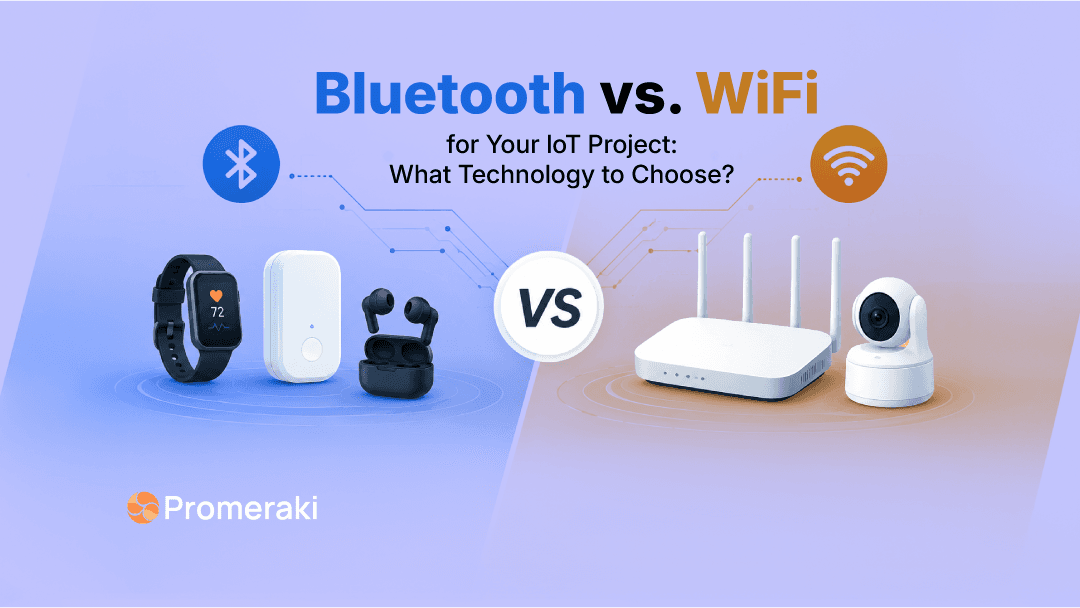
Choosing the right connectivity technology is one of the first important decisions in any IoT project. It affects how your device connects, how much power it uses, how fast it sends data, how users control it, and how well the product performs after launch.
For many teams, the decision starts with one common question.
Should we use Bluetooth or Wi-Fi for our IoT device?
The answer depends on the product.
Bluetooth, especially Bluetooth Low Energy, is a better fit for low-power devices that work over a short range and send small amounts of data. Wi-Fi is better for devices that need internet access, faster data transfer, cloud communication, remote control, and regular updates.
A smart lock, wearable, beacon, medical sensor, or asset tag usually fits Bluetooth well. A smart camera, connected appliance, energy monitor, vending machine, or industrial gateway usually fits Wi-Fi better.
In many IoT products, both technologies work together. Bluetooth helps with local setup and pairing. Wi-Fi handles cloud sync, dashboards, alerts, OTA updates, and remote access.
This guide explains Bluetooth vs Wi-Fi for IoT in a simple and practical way so you can choose the right connectivity technology for your product.
Why Connectivity Choice Matters in IoT
IoT devices are not only hardware products. They are connected systems.
A device collects data, sends it to an app or cloud platform, receives commands, updates its firmware, and supports users after launch. If the connectivity choice is wrong, the full product experience suffers.
A battery-powered sensor may drain too fast. A smart device may fail during setup. A cloud dashboard may receive data late. A support team may struggle to troubleshoot devices in the field. A prototype may work well with five devices but fail when thousands of devices go live.
That is why Bluetooth vs Wi-Fi for IoT is not only a technical comparison. It is a product architecture decision.
The right choice depends on power, range, data size, cloud access, setup experience, security, and long-term device management.
Bluetooth vs Wi-Fi for IoT: Quick Comparison
| Factor | Bluetooth or BLE | Wi-Fi |
|---|---|---|
| Best for | Nearby device communication | Internet-connected devices |
| Power use | Low | Higher |
| Data transfer | Small data packets | Larger data transfer |
| Cloud access | Needs phone, hub, or gateway | Connects through router |
| Setup | Strong for mobile pairing | Needs Wi-Fi provisioning |
| Battery life | Better for battery-powered devices | Better for powered devices |
| Remote access | Limited without gateway | Strong fit |
| Common use cases | Wearables, locks, sensors, tags | Cameras, appliances, gateways |
The main difference is simple.
Bluetooth is better when the device needs to communicate with a nearby phone, hub, or gateway. Wi-Fi is better when the device needs to connect to the internet directly.
If your device sends small updates like temperature, battery level, lock status, location status, or health readings, Bluetooth is often enough. If your device sends video, images, machine logs, real-time telemetry, or frequent cloud data, Wi-Fi is usually the better choice.
What Bluetooth Does Best in IoT
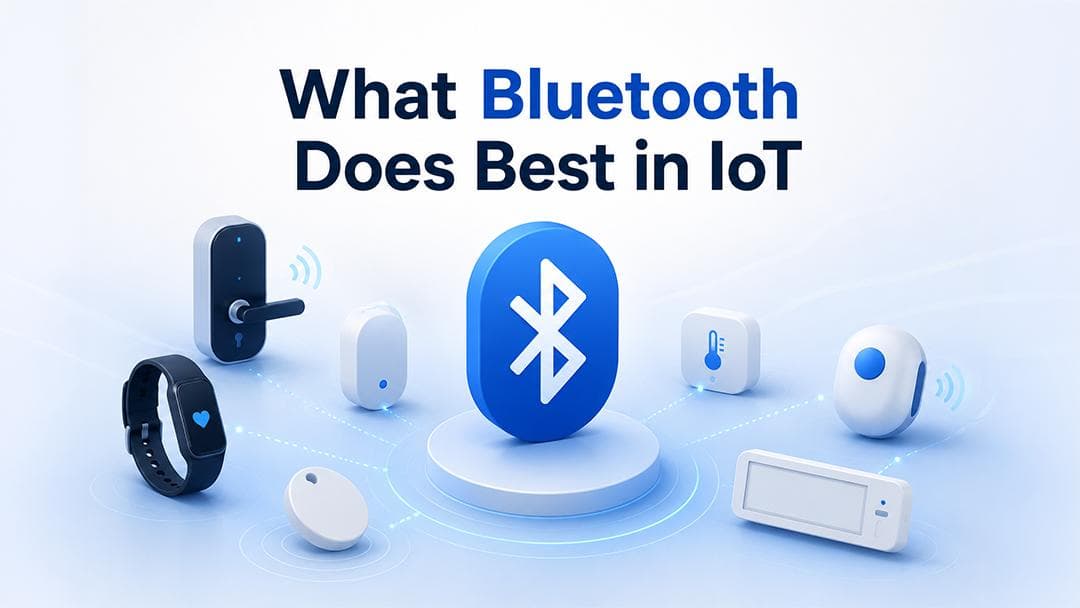
Bluetooth is a short-range wireless technology. In IoT products, teams mostly use Bluetooth Low Energy, also called BLE.
BLE is built for low-power communication. It works well for small devices that run on batteries and do not need to send large amounts of data all the time.
Think about a smart lock. It does not need to stream data every second. It needs to detect a nearby user, verify access, unlock the door, update the status, and save battery. BLE fits this use case well.
The same applies to fitness bands, medical sensors, BLE beacons, indoor asset tags, retail shelf labels, and access control devices. These products send small data at fixed intervals or when an event happens.
Bluetooth also works well when a mobile app is part of the user's journey. The app finds the device, pairs with it, sends basic commands, or collects data. This keeps the device simple and power-efficient.
The main limitation is cloud access. A Bluetooth-only device does not connect to the internet by itself. It usually needs a phone, gateway, hub, or edge device to pass data to the cloud.
This is not always a weakness. For many IoT products, this design is intentional. It keeps the device small, reduces power usage, and avoids unnecessary hardware complexity.
In a Nutshell
- Choose Bluetooth for low-power devices and Wi-Fi for cloud-connected products. Use both when your IoT product needs setup and scale.
What Wi-Fi Does Best in IoT
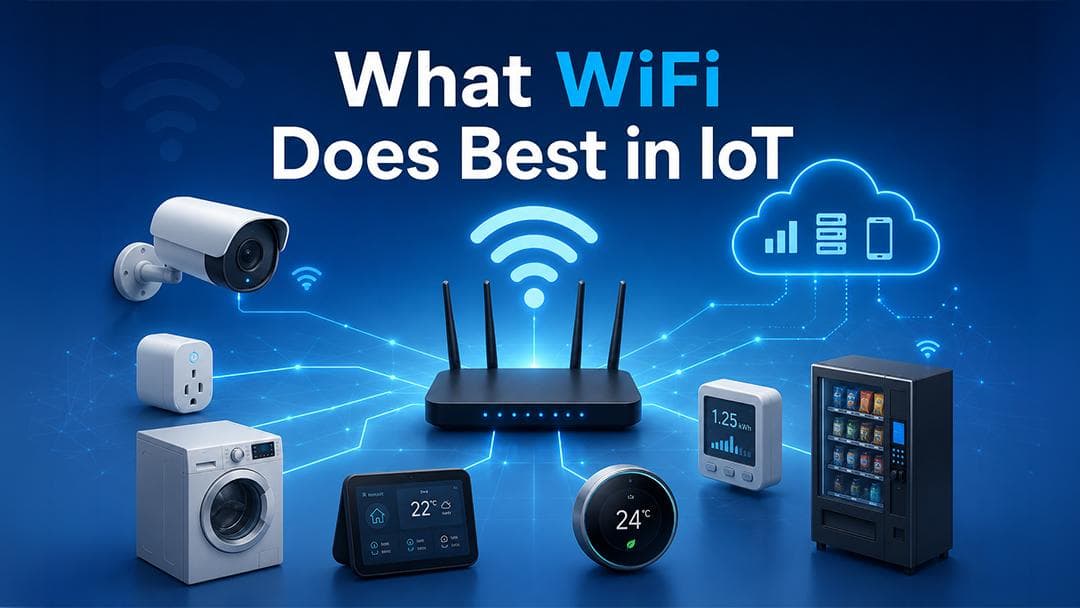
Wi-Fi connects an IoT device to a local network through a router. From there, the device connects to cloud platforms, mobile apps, dashboards, backend systems, and monitoring tools.
This makes Wi-Fi a strong choice when an IoT product needs regular internet access.
A smart camera needs Wi-Fi because it sends videos. A connected appliance needs Wi-Fi because users expect app control, alerts, status updates, and firmware updates. An energy monitor needs Wi-Fi because it sends usage data to a dashboard. A vending machine needs Wi-Fi because it may send stock alerts, machine health data, payment sync, and remote diagnostics.
Wi-Fi is better when the device sends more data or needs frequent cloud communication.
The trade-off is power. Wi-Fi usually uses more energy than BLE. That is why Wi-Fi works better for devices with stable power, larger batteries, or regular charging support.
A smart camera connected to power is a good fit for Wi-Fi. A small coin cell sensor placed in a warehouse is not.
Key Differences Between Bluetooth and Wi-Fi for IoT
The best way to choose between Bluetooth and Wi-Fi is to look at how your device will work in real life.
- The first factor is battery life. BLE is stronger for low-power IoT devices. It allows the device to stay in sleep mode most of the time and wake up only when it needs to send data. This helps wearables, smart locks, tags, and sensors run longer on battery.
Wi-Fi uses more power because it manages a network connection and handles larger data transfers. This is fine for powered devices, but it becomes a problem for compact battery-based devices.
- The second factor is the range. Bluetooth works best for nearby communication. It is useful when the phone, gateway, or hub stays close to the device. Wi-Fi gives better indoor coverage through routers and access points, especially in homes, offices, stores, and factories.
Still, the range is not fixed. Walls, metal surfaces, antenna design, signal interference, router quality, and device placement all affect performance. A device that works well in a test room may behave differently inside a factory, warehouse, or hospital.
- The third factor is data speed. Wi-Fi is better for large data. It supports video, images, heavy logs, real-time telemetry, dashboards, and OTA firmware updates. Bluetooth is better for small data like battery status, sensor readings, lock events, beacon signals, and short commands.
- The fourth factor is cloud connectivity. Wi-Fi has a clear advantage here. A Wi-Fi-enabled device connects to the router and sends data to the cloud. Bluetooth needs another device in between, such as a phone, hub, gateway, or edge system.
- The fifth factor is setup. Bluetooth is useful during onboarding. Many IoT products use BLE to help users find the device and configure it through a mobile app. After setup, the device connects to Wi-Fi for cloud communication.
This is why many modern IoT products do not treat Bluetooth and Wi-Fi as competitors. They use both for different parts of the product journey.
When Bluetooth Is the Better Choice for Your IoT Project
Bluetooth is the better choice when your device needs low power, nearby communication, and small data transfer.
- It fits products where the user, phone, gateway, or hub stays close to the device. It also fits products that do not need direct internet access every minute.
- A wearable device is a good example. It tracks activity, stores data, and syncs with a mobile app. It does not need a constant cloud connection. BLE helps it save battery and keep the product lightweight.
- A smart lock is another strong example. It needs secure nearby access and long battery life. If Wi-Fi stays active all the time, the battery may drain faster. BLE fits better because the device only needs short-range communication during key actions.
- Bluetooth is also useful for BLE beacons, medical sensors, indoor tracking devices, asset tags, retail sensors, access control systems, and fitness equipment.
Choose Bluetooth when battery life matters more than speed. Choose it when the device sends small data and works near a phone, hub, or gateway.
Bluetooth is not the right choice when the device needs heavy data transfer, continuous cloud sync, or direct remote control without another connected device.
When Wi-Fi Is the Better Choice for Your IoT Project
Wi-Fi is the better choice when your IoT product needs internet access, higher data transfer, remote control, and frequent cloud communication.
A smart camera is the easiest example. It needs to send video to a mobile app or cloud platform. Bluetooth cannot handle this type of data well. Wi-Fi is a practical choice.
A connected appliance also fits Wi-Fi well. Users expect remote control, alerts, firmware updates, and live device status. Wi-Fi supports these needs because the device connects directly to the internet through the home or business network.
Industrial gateways, energy meters, HVAC systems, smart displays, vending machines, building automation systems, and factory equipment also fit Wi-Fi well when power and network access are available.
Choose Wi-Fi when the device needs to send more data, stay connected to the cloud, support OTA updates, and work with dashboards or remote monitoring tools.
The main thing to watch is power. If your device runs on a small battery and sends only small updates, Wi-Fi may be too heavy. If your device has stable power and needs cloud access, Wi-Fi is often the better option.
When Bluetooth and Wi-Fi Should Work Together

Many IoT products work best with a hybrid Bluetooth and Wi-Fi architecture.
In this model, Bluetooth handles local setup, and Wi-Fi handles cloud communication.
Here is how it works in a real product. The user opens the mobile app. The app discovers the device through BLE. The user selects the device and shares Wi-Fi details. The device connects to Wi-Fi and starts sending data to the cloud. After that, Wi-Fi handles dashboards, alerts, remote controls, and OTA updates. BLE stays available for local control, fallback access, or setup changes.
This approach improves user experience.
Bluetooth makes the first connection easier. Wi-Fi keeps the device online after setup.
This model is common in smart home devices, connected appliances, industrial IoT products, monitoring systems, and smart equipment. It helps teams avoid complex setup flows while still getting strong cloud connectivity.
For many IoT teams, the real question is not Bluetooth or Wi-Fi. The better question is where Bluetooth should end and where Wi-Fi should begin.
How to Choose the Right IoT Connectivity Technology
Start with the product requirement, not the technology name.
Ask what the device needs to do every day. Does it run on battery? How much data does it send? Does it need direct cloud access? Will users control it nearby or remotely? Does it need OTA updates? Will it work indoors, outdoors, or inside an industrial environment?
If the device needs a long battery life and sends small data, Bluetooth is usually the stronger choice.
If the device needs cloud access, higher data transfer, dashboards, alerts, and remote control, Wi-Fi is usually the stronger choice.
If the product needs simple setup and cloud connectivity, use both. Bluetooth helps users connect to the device first. Wi-Fi keeps it online after setting it up.
Also think about scales early. A prototype with five devices is different from a product with ten thousand devices. At scale, you need to secure onboarding, device identity, data ingestion, OTA updates, monitoring, alerts, access control, and support workflows.
A wrong connectivity decision in the prototype stage becomes expensive after hardware production starts. It affects firmware, mobile app design, cloud architecture, device management, and customer support.
The best IoT connectivity technology is not the cheapest module. It is the one that supports your product experience, operating environment, data needs, and long-term roadmap.
Closing Thought
Choosing between Bluetooth and Wi-Fi for IoT depends on how your device works, how much data it sends, how often it connects, and how users interact with it.
Bluetooth or BLE is the better choice for low-power, short-range devices that send small data. It works well for wearables, smart locks, sensors, beacons, medical devices, and asset tags.
Wi-Fi is the better choice for devices that need direct internet access, higher data transfer, real-time cloud communication, OTA updates, dashboards, and remote control. It works well for smart cameras, connected appliances, energy monitors, industrial gateways, and smart equipment.
In many IoT products, the best answer is not Bluetooth or Wi-Fi. It is both. Bluetooth makes device setup and local pairing easier, while Wi-Fi handles cloud sync, alerts, remote monitoring, and long-term device management.
The right connectivity choice should support your product experience, power needs, data flow, cloud architecture, and future scale.
Planning a new IoT product or improving an existing connected device? Promeraki helps you design the right connectivity architecture, from device communication to cloud dashboards, alerts, OTA updates, and secure data flow.